I’ve spent years hunting for AI tools that respect my hardware and my privacy. Most “local” solutions are just wrappers around cloud APIs or require a beefy desktop setup. But what if you could run serious LLMs right from your pocket?
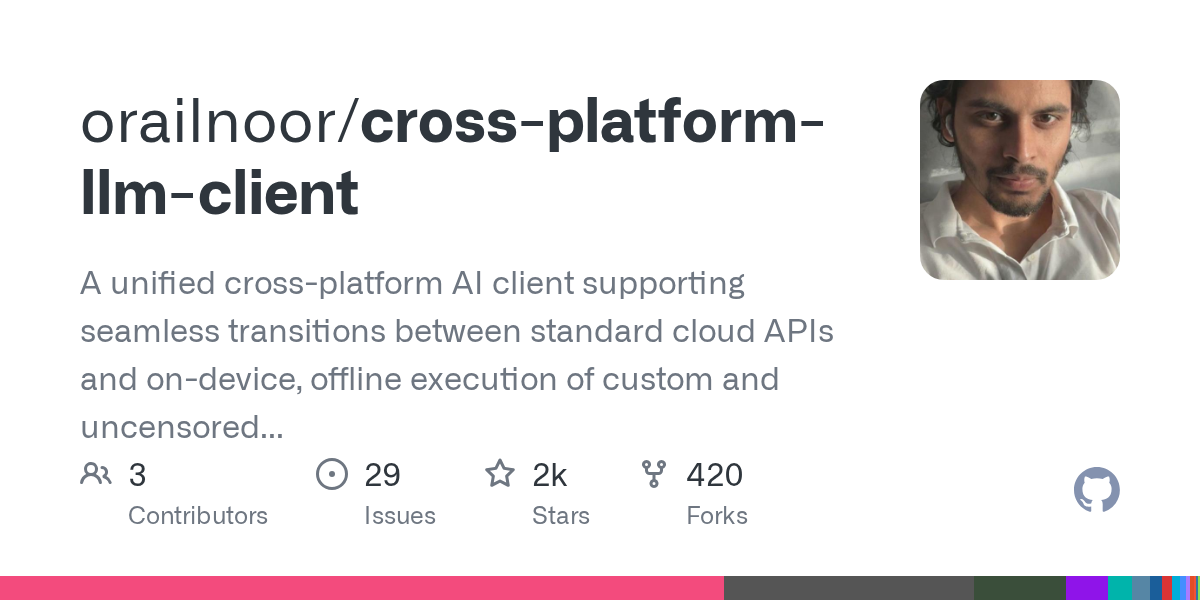
That’s where PrivateLM comes in. It’s a Flutter-built chat client that actually delivers on the promise of on-device inference without sacrificing the option to use cloud power when you need it.
What Is PrivateLM?
PrivateLM is a cross-platform AI chat application that bridges the gap between local privacy and cloud convenience. Built with Flutter, it runs natively on Android and iOS (via sideloading) and offers a web interface.
The core idea is simple: give users full control. You can download GGUF models and run them directly on your phone using GPU acceleration, or seamlessly switch to providers like OpenAI, Anthropic, or Gemini. It’s not just a chat window; it’s a unified interface for how you want your AI to work.
What Does It Do?
At its heart, PrivateLM handles two distinct workflows:
- Local Inference: On Android and iOS, it uses
llama.cppunder the hood to run GGUF models. It detects your device’s GPU capabilities (Vulkan on Android, Metal on iOS) and offloads layers accordingly. No internet needed after the initial model download. - Cloud Fallback: When you’re on a lighter device or need a specific model not available locally, it connects to major APIs. It normalizes the different API structures of OpenAI, Claude, Gemini, and Kimi into one consistent experience.
It also manages persistent sessions locally via Hive, meaning your chat history stays on your device unless you explicitly choose otherwise.
Key Features
- True Local Execution: Runs GGUF models on-device. Tested on everything from Snapdragon to MediaTek and Tensor chips.
- Smart Auto-Config: On first launch, it checks your RAM and recommends optimal context sizes and token limits. No more guessing if your phone will crash loading a 7B model.
- Multimodal Support: Send images in conversations. Vision works with local models like Qwen2-VL and cloud providers.
- Cross-Platform Consistency: Same UI and logic across Android, iOS, and Web.
- Background Services: Uses Firebase for push updates and background task handling, keeping the app responsive even during long generations.
- Privacy-First Storage: All settings and chats are stored locally. API keys are kept in Hive and never sent anywhere except the provider’s endpoint.
Why You Might Use It
As someone who values local-first infrastructure, I appreciate tools that don’t force me into a single ecosystem. PrivateLM is ideal if:
- You travel often: Download a model once and chat offline anywhere.
- You’re privacy-conscious: Keep sensitive conversations off cloud servers.
- You have varied hardware: Use local inference on your powerful Android phone and cloud APIs on your web browser or older device.
- You want transparency: See exactly how many tokens you’re using and which model is running, without black-box abstractions.
It’s particularly useful for developers and researchers who need to test model behavior on different hardware tiers without setting up complex local servers.
Tips and Tricks
- Start Small: If you’re new to local models, start with a quantized 3B or 4B model. PrivateLM’s auto-config will help, but manually lowering the context size can significantly speed up generation on mid-range phones.
- iOS Sideloading: For iPhone/iPad users, remember that AltStore apps expire every 7 days. Keep your computer connected to the same Wi-Fi so AltServer can refresh the app automatically. iPad is recommended due to higher RAM availability for larger models.
- GPU Offloading: If you’re on Android, ensure Vulkan is enabled in your developer settings. PrivateLM uses it to offload computation from CPU to GPU, which is a game-changer for speed on Snapdragon devices.
- Model Management: Use the built-in downloader to fetch models directly. Avoid manually transferring large GGUF files if possible, as the app optimizes storage and loading paths internally.
- Cloud Switching: Don’t be afraid to mix modes. Use local models for quick drafts or private notes, and switch to Cloud API for complex reasoning tasks that exceed your phone’s memory.
PrivateLM isn’t trying to replace your desktop workstation. It’s about putting capable, private AI in your pocket, ready when you are. It’s a solid step toward making local AI accessible without the usual friction.
License
The code is a free and open-source project that is released under the MIT license.