I used to have a problem. My coding agents, Claude Code, Cursor, Codex, they were all collecting skills like Pokémon cards. But they kept them in separate boxes, under different beds, in different houses.
If I taught Cursor a new trick for refactoring React components, Claude Code didn’t know about it. If I found a brilliant debugging skill on GitHub, I had to manually copy-paste it into three different folders. It was messy. It was redundant. And honestly? It was stupid.
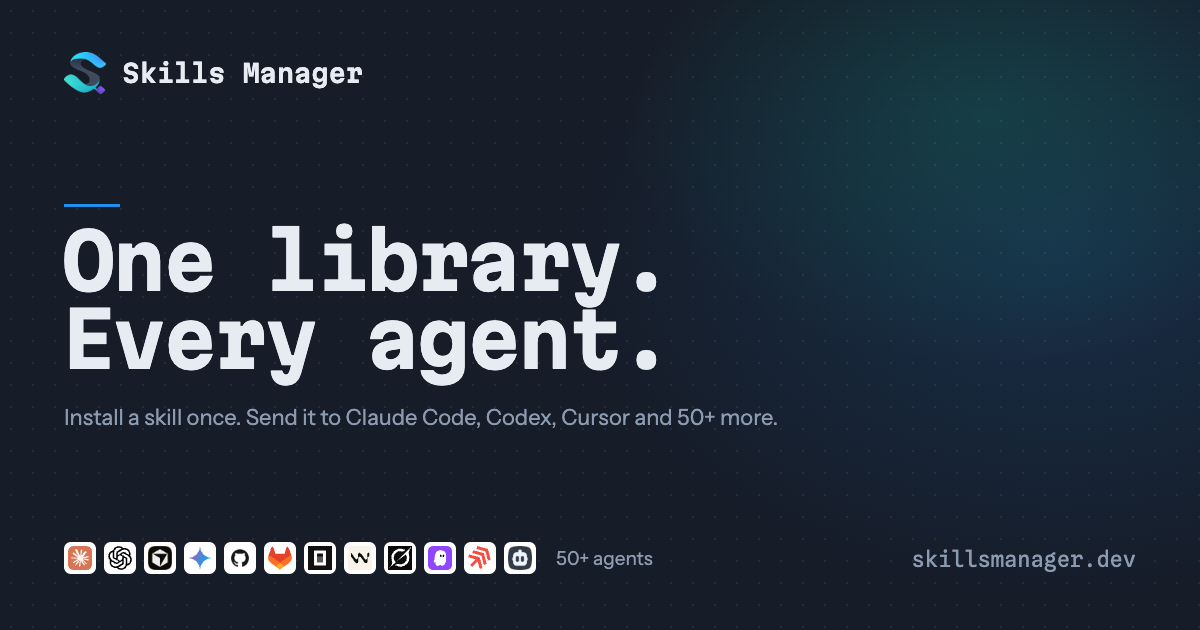
Then I found Skills Manager.
What Is Skills Manager?
Think of it as a universal remote for your AI agent’s brain.
It’s a lightweight desktop app (built with Tauri/Rust, so it’s fast and doesn’t eat your RAM) that creates a single, central library for all your AI skills. Instead of scattering .md files across ~/.claude/skills, ~/.cursor/skills, and ~/codex/skills, you keep them in one place: ~/.skills-manager.
From there, you deploy them to whichever agent needs them, with one click. Or better yet, you let the agents manage themselves.
Why Do You Actually Need This?
Because context switching is expensive, but skill switching shouldn’t be.
- No More Copy-Paste Hell: Install a skill once. Deploy it to Claude, Cursor, and Gemini instantly.
- Agent Autonomy: This is the killer feature. Your agents can talk to Skills Manager. Claude Code can say, “Hey, I need this new testing skill,” and Skills Manager installs it and deploys it correctly. No more agents writing into folders they shouldn’t touch, breaking your source tracking.
- Sync Across Machines: I work on a MacBook at home and a Linux box at the office. Skills Manager backs up my library to a private Git repo. If I add a skill on my Mac, it’s on my Linux machine minutes later. Automatically.
- Presets: Working on a frontend project? Click the “React” preset. Boom. All your React-specific skills are active for Cursor. Switching to backend? Click “Python.” Done. It’s not live sync; it’s a snapshot deployment. Clean.
The Cool Stuff (Features That Matter)
- Marketplace Integration: Browse and install skills directly from skills.sh without leaving the app.
- Global & Project Workspaces: See exactly what skills each agent has access to globally, or manage skills specific to a single project folder.
- Update Tracking: Know when a Git-based skill has changed upstream. One click to update.
- Conflict Resolution That Doesn’t Suck: Editing a skill on two machines? It merges per-skill, not per-line. If there’s a real conflict, it doesn’t overwrite your work. It flags it, lets you choose “keep mine,” “use remote,” or “keep both,” and takes a snapshot so you can undo it.
- CLI for Power Users: Want to script it? The CLI is built on the same Rust core.
skills-manager-cli skills deploy react-best-practices --agent claude_code --agent codex. Done. - Privacy First: Backups go to your Git repo. Secrets stay local. No cloud lock-in.
Who Is This For?
If you use more than one AI coding tool, you need this. If you’re tired of managing dotfiles and symlinks manually, you need this. If you want your AI agents to be slightly more autonomous and a lot less messy, you need this.
It’s open-source (MIT), it’s free, and it just works.
Stop hoarding skills in silos. Centralize. Deploy. Get back to coding.