You search for “OpenPets” on macOS and get two hits. One is a registry. The other is a companion. It’s confusing until you realize they aren’t competing. They’re two halves of the same idea.
The Registry (OpenPets.dev)
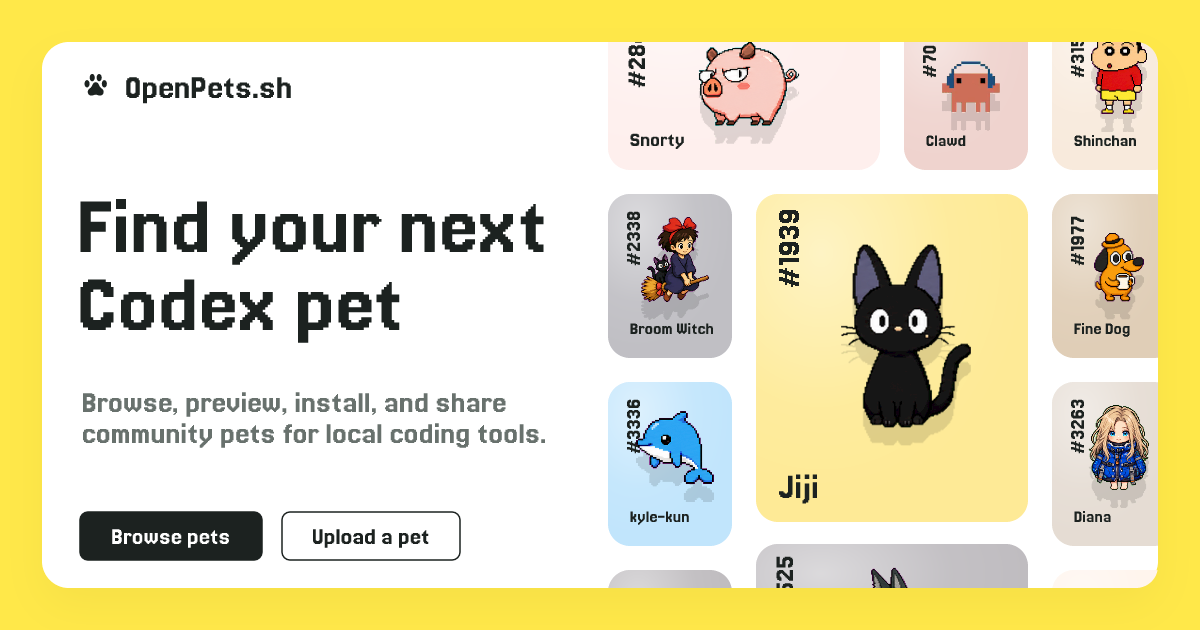
This is the library. It’s a website where you browse 1,300+ animated characters. Pixel art cats. Anime protagonists. Coding mascots. You download .zip files. You manage them manually. It’s static. It’s a catalog.
Use this if you just want a sprite on your desktop. If you don’t care about AI. If you want to pick a character, drop it in a folder, and forget it exists until it waves at you.
It is a full featured app that works on macOS, Linux, and Windows. Works with almost all popular IDEs, and Assistants.
The App (OpenPets Desktop)
This is the engine. It’s a native macOS app that runs locally. It has an AI assistant built-in. It connects to Claude Code, Cursor, and Pi. It has plugins for anxiety aid, focus timers, and system monitoring. It uses the pets from the registry, but it gives them a brain.
Use this if you want interaction. If you want your pet to react when your code compiles. If you want a voice chat with a cat while you debug. If you want sandboxed JavaScript plugins that run on your machine, not in the cloud.
But you can upload your pet, and download what other uploads as well. It has ~6000 pets in the registry so far.
Why the confusion?
They share the MIT license. They share the vision of local-first, privacy-focused desktop companions. But one is a collection of assets. The other is a platform for behavior.
What to choose?
If you’re a collector, go to the registry. Download the “Back to School Pack.” Enjoy the pixels. It is your choice, minimal or full pack.
Links
—