If you have spent more than a week using AI coding agents like Claude Code, Cursor, or GitHub Copilot, you know the feeling. The agent is brilliant for five minutes, then it starts hallucinating, over-engineering simple features, or forgetting what it was supposed to do.
You spend more time correcting the bot than writing code yourself.
This is not your fault. It is a tooling problem, and with Squire, you can do that!
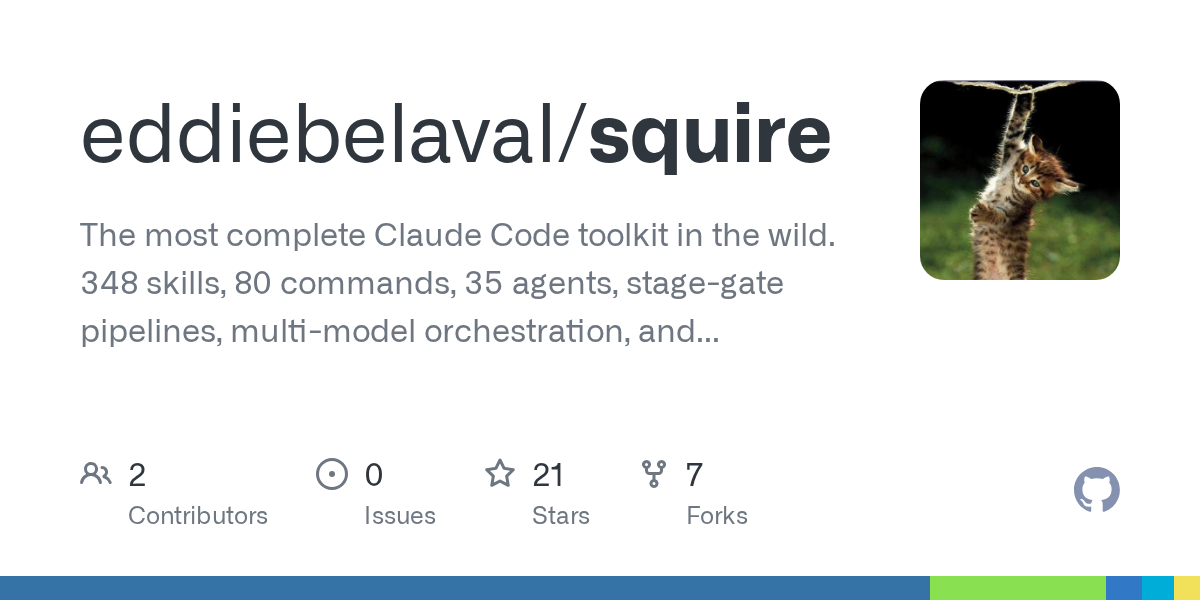
What is Squire?
Squire is not another app. It is not a SaaS platform requiring a credit card. It is an operating system for AI agents.
Built by Eddie Belaval after shipping 12 products and making 19,030 commits across 104 repositories in just six months, Squire distills hard-won lessons into a set of files you drop into your project.
It changes how your agent behaves, making it reliable, productive, and surprisingly human-like in its workflow.
Why Standard AI Coding Fails
Most developers treat AI agents like magic wands. They ask for code, get code, and hope it works. But without guardrails, agents fail in predictable ways. They plan endlessly instead of building.
They dismiss bugs as “stale cache” without checking. They apply global config changes when you only wanted to fix one file.
Squire fixes this with behavioral rules. These are not vague suggestions. They are strict instructions derived from analyzing thousands of failed AI sessions.
For example,
- Rule #1 is “Default to implementation.” This stops the agent from writing a ten-page essay on architecture when you just want a button.
- Rule #4 forces the agent to investigate bugs directly rather than guessing.
These rules are contained in squire.md, a single file you can drop into your project root or global Claude config. Instantly, your agent becomes sharper.
The Toolkit: More Than Just Rules
While the behavioral rules are the heart of Squire, the full toolkit is where it shines.
It includes:
- 80 Slash Commands: Stop typing long prompts. Use
/shipto handle the entire delivery pipeline,/fixfor systematic debugging, or/visualizeto generate interactive HTML maps of your architecture. - 348 Skills: These are specialized personas for your agent. Need a security audit? Load the security skill. Need a database migration? Load the migration specialist. It covers everything from frontend development and backend architecture to SEO analysis and financial modeling.
- 35 Custom Agents: These are not static prompts. They are executable specialists with tool access. You can deploy a Next.js senior dev agent or a Stripe integration specialist that knows exactly how to handle webhooks and PCI compliance.
The Triad: Living Documentation
One of the most innovative parts of Squire is The Triad. Most projects have dead documentation, PRDs that no one reads and specs that are outdated before they are written. Squire replaces this with three living documents:
- VISION.md: Where the project is going.
- SPEC.md: Where the project is right now.
- BUILDING.md: How it got here.
These documents reference each other. If your SPEC says you support real-time chat but your VISION never mentioned it, Squire flags the drift. You can use the /reconcile command to update all three conversationally. It keeps your documentation honest without extra work.
Stage-Gate Pipelines for Serious Shipping
Squire introduces an 11-stage stage-gate build system. Before you move from concept to production, you must answer specific gate questions. “Can we deploy an empty shell?” “Do all tests pass?” “What breaks if I do something stupid?”
This prevents the common disaster of shipping broken code because you skipped a step.
It also includes a Director/Builder pattern, where one AI model plans and reviews while another executes the code. This creates built-in code review and reduces errors significantly.
Open Source and Local First
Squire is open source under the MIT license. It runs locally. There are no API keys to manage, no cloud services to rely on, and no data leaving your machine unless you choose to push code. It is built for developers who value privacy, control, and efficiency.
Installation is simple. You can clone the repo and run the installer, or just copy the squire.md file for immediate behavioral improvements. It works with any AI agent that supports custom prompts, including Claude Code, Cursor, and Copilot.
Squire Compatibility
Squire is currently optimized for Claude Code, Cursor, and GitHub Copilot. It does not natively support Antigravity or OpenCode yet. If you are using these platforms, the community needs a volunteer to port the behavioral rules and slash commands to their specific config formats.
Until then, you might miss out on the full 80-command toolkit, though the core squire.md logic could potentially be adapted manually.
The Final Call
If you are serious about AI-augmented development, you need better tools than raw prompts. Squire provides the structure, discipline, and specialized skills that turn a chaotic AI assistant into a reliable engineering partner.
It is battle-tested. It is free. And it might just save your next project from falling apart.
Download Squire today and stop letting AI agents waste your time.